Why You Need to Reset Your Blueair Filter Indicator
Maintaining peak indoor air quality requires timely air purifier maintenance. Knowing how to reset blue air filter alert systems ensures your device tracks filter life accurately after every maintenance cycle.
Understanding What the Filter Light Colors Mean
Blueair units utilize a color-coded LED indicator light to communicate current filter status:
- White / Blue: The filter is clean and operating efficiently.
- Yellow / Amber: The filter life is at 10% or lower; prepare a replace air filter backup.
- Red: The red filter light indicator is active. The filter is saturated and requires immediate replacement.
Why the Filter Light Does Not Reset Automatically
Blueair purifiers operate on a built-in internal filter timer rather than optical sensors that detect physical dust buildup. The machine cannot automatically detect when a fresh filter is installed. The red light indicator will remain active until a manual override clears the internal clock.
Importance of Resetting the Timer After Filter Replacement
Failing to clear the alert compromises your entire air purifier filter change schedule. Resetting the system ensures:
- Accurate Tracking: Restarts the countdown for the standard 6-month filter lifespan.
- Optimal Performance: Aligns fan speed efficiency with true filter longevity.
- Device Protection: Prevents premature replacement alerts or prolonged use of a clogged filter.
How to Reset Blue Air Filter by Model
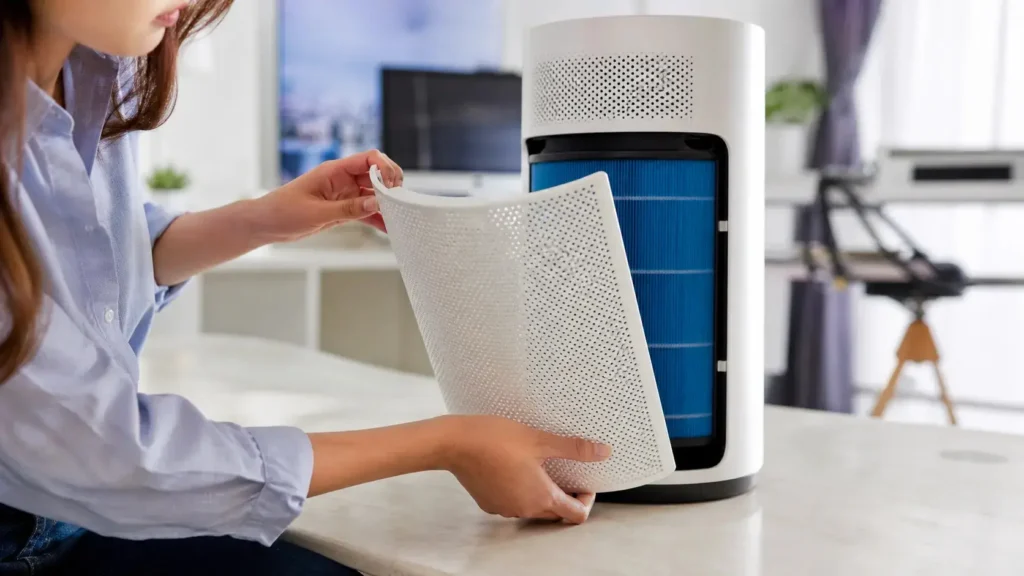
Knowing how to reset blue air filter indicators depends on the specific unit you operate. As air purifier filter manufacturers, we advise resetting the internal filter timer immediately after you replace air filter elements to maintain accurate tracking and optimal air purifier maintenance.
Resetting Blue Pure Series (411, 211+, 311)
The popular Blue Pure lineup—including the compact Blueair 411, 211+, and 311—uses a single main touch control on top of the unit.
- Turn On: Plug in the unit and turn it on.
- Press and Hold: Press and hold the central power button for 5 to 10 seconds.
- Verify Reset: The red filter light indicator will turn off or switch to a solid white LED indicator light, signaling the system has cleared the timer.
Resetting Blue Pure Max Series
The Blue Pure Max series uses an updated multi-function button layout.
- Locate the Control: Turn on the unit and find the primary fan speed button / power button on the top dial.
- Press and Hold: Press and hold the button for 10 seconds until the filter reset sequence activates.
- Check the Display: The red light indicator will flash briefly and clear once the reset completes.
Resetting Blueair Classic Series
Classic series purifiers feature dedicated control boards beneath a flip-up top cover or near the display panel.
- Position the Filter: Ensure the new filter is properly seated so air filter airflow remains unobstructed.
- Locate Reset Switch: Find the dedicated filter button marked with a filter or circular arrow symbol.
- Press and Hold: Hold the button for 5 to 10 seconds until the red light indicator changes to blue or shuts off.
Resetting DustMagnet and HealthProtect Series
Smart units like the DustMagnet and HealthProtect use advanced onboard sensors and touch interfaces.
- Touch Panel Reset: Press and hold the filter status icon on the touch display for 5 seconds until the status resets to 100%.
- Smart App Option: Access your device in the Blueair app, go to device settings, select Filter Status, and trigger a manual reset.
- Sensor Care: Combining filter resets with regular air purifier maintenance keeps internal sensors clean and working accurately.
Step-by-Step Manual Filter Light Reset Process
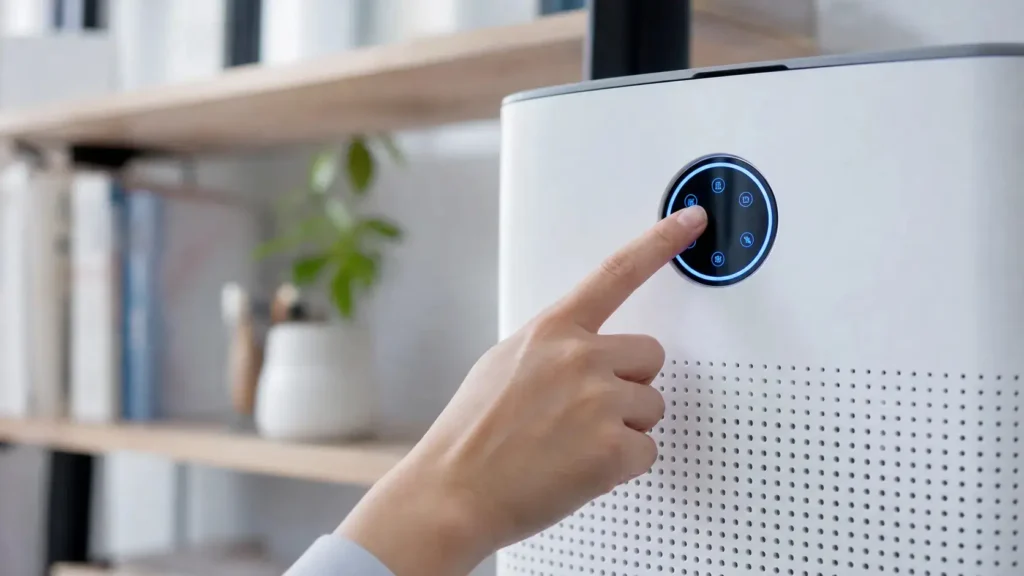
If your machine does not automatically detect a fresh filter, you need to clear the internal timer manually. Knowing how to reset Blue air filter timers manually takes less than a minute and ensures your device continues tracking filter life accurately.
Locating the Main Control or Power Button
Start by identifying the primary control point on your unit. Depending on your design, the reset feature is built directly into the primary control button.
- Blue Pure Series: Uses a single multi-function button positioned centrally on the top panel.
- Classic & HealthProtect Series: Features a dedicated panel with a filter replacement icon or main power button on the top display screen.
- DustMagnet Series: Features an integrated control strip on top, placed right alongside the fan speed button.
Pressing and Holding the Reset Button for 5 to 10 Seconds
Once the unit is plugged in, complete the reset process using these steps:
- Turn on the unit or keep it in standby mode (depending on your specific model).
- Press and hold the main power button or filter button firmly for 5 to 10 seconds.
- Hold until you hear an audible chime or witness the display flash.
- Release the button to store the new timer setting.
Performing proper air purifier maintenance and resetting the internal monitor right after a filter change keeps fan resistance down and operational efficiency high.
Verifying Success Through Indicator Color Changes
You can verify that the system has successfully refreshed by checking the LED indicator light on the control panel:
| Series / Model | Standard Alert | Successful Reset Visual Confirmation |
|---|---|---|
| Blue Pure (411, 211+, 311) | Red filter light indicator | Turns off completely or switches back to standard working white |
| Blue Pure Max | Red light indicator | Flashes twice, then reverts to standard status light |
| Classic & Smart Series | Red filter icon | Filter timer graphic resets back to full (100%) blue indicator |
If the light stays blue or turns off completely, your filter sensor and timer have officially restarted their cycle.
How to Reset Blueair Filter Status via the Blueair App
If you own a connected smart model, learning how to reset blue air filter tracking through the smartphone interface is often the quickest solution. Resetting the counter via software syncs the physical machine with the mobile dashboard, ensuring your filter life metrics remain accurate.
Connecting Your Smart Air Purifier to the App
Pairing your unit with the app gives you direct control over performance tracking and routine air purifier maintenance.
- Download & Register: Install the Blueair app from the App Store or Google Play and sign in to your account.
- Enable Wireless Connections: Turn on Bluetooth and 2.4GHz Wi-Fi on your mobile device.
- Add Device: Press the power button on your air purifier to enter pairing mode, then select your model from the app interface to link it.
Understanding how often to change your air purifier filter helps you align physical unit maintenance with these digital tracking features.
Navigating to Filter Status and Triggering a Manual Reset
Once connected, clearing the replacement prompt takes only a few taps:
- Tap your active unit on the app dashboard.
- Select the Filter Status card to view current usage metrics.
- Tap Replace Air Filter or Reset Filter Life.
- Confirm the prompt to sync the change—the red filter light indicator on your physical unit will turn off immediately.
- Configuring Automated Filter Replacement Alerts
Setting up smart alerts ensures you never miss a routine maintenance cycle.
- Enable Push Notifications: Allow app notifications to get real-time alerts when your filter reaches critical capacity.
- Automatic Usage Calculation: The app calculates remaining lifespan based on run time, fan speed, and real-time air quality readings.
- Order Reminders: Receive automated alerts ahead of time so you can order replacement media before the LED indicator light turns red.
Troubleshooting: Blueair Filter Light Still Red After Reset
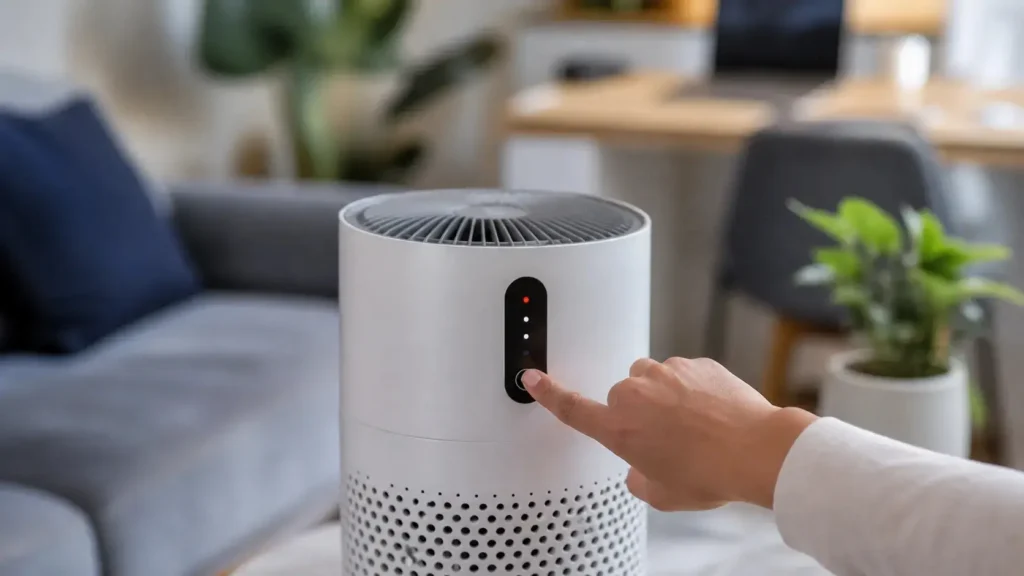
If you followed the standard steps on how to reset Blueair filter warnings and the red filter light indicator stays lit, do not panic. Electronic glitches, improper installation, or dirty sensors usually cause this issue. Here is how we troubleshoot and fix the red light indicator quickly.
Performing a Power Cycle Hard Reset
A basic system freeze can prevent the filter timer from updating properly. Perform a full power cycle to force a reset on the internal board:
- Unplug the Purifier: Turn off the device and disconnect the power cord from the wall outlet completely.
- Wait It Out: Leave the unit unplugged for at least 60 seconds to clear residual power from the internal components.
- Reboot: Plug the power cable back in.
- Press and Hold: Hold down the power button or fan speed button for 10 seconds until the LED indicator light flashes white or turns off.
Ensuring the Replacement Filter Is Properly Installed
Many models feature internal safety switches or contact points that verify filter placement. If the filter replacement is loose or installed upside down, the filter status light will remain red:
- Check Alignment: Remove the top casing or lower cage and re-insert the filter cartridge.
- Verify Positioning: Confirm you know where the air filter is located and aligned correctly within the housing frame so all safety contacts snap into place.
- Inspect the Hatch: Ensure the filter door or bottom cap is fully locked. A loose hatch breaks the connection, keeping the red light active.
Cleaning the Air Quality Sensor for Accurate Readings
Accumulated dust inside the filter sensor bay can confuse the system into thinking dirty air is still passing through or that the filter life is exhausted:
- Locate the Sensor: Find the small intake window on the side or rear of your air purifier.
- Vacuum the Vent: Use a vacuum cleaner on low power with a soft brush attachment to clear surface dust.
- Clean the Lens: Open the sensor hatch (if applicable) and gently wipe the optical sensor lens using a dry cotton swab.
Once cleaned and reassembled, run the unit on high for two minutes to allow the system to calibrate correctly.
Best Practices for Blueair Filter Replacement and Maintenance
Routine air purifier maintenance protects your investment and ensures your indoor air stays clean. Swapping out filters on time prevents strain on the fan motor and keeps the unit operating quietly.
Recommended Filter Replacement Timelines
Most Blueair units require a filter swap every 6 months when run continuously (24 hours a day, 7 days a week). However, real-world conditions dictate your actual schedule:
- Standard Household Use: Replace every 6 months or when the red filter light indicator activates.
- High-Pollution or Pet Owners: Replace every 3 to 4 months due to faster accumulation of hair and dander. Understanding the different types of air filters and ratings helps clarify how media density impacts airflow and lifespan in heavy-use environments.
- Low Usage / Seasonal Use: Replace at least once every 12 months to avoid bacterial growth inside dormant filter fibers.
- How to Wash and Maintain Fabric Pre-Filters
The colorful fabric sleeve acts as the first line of defense, catching large dust particles, lint, and pet fur to prolong the main filter’s life.
- Vacuum Regularly: Clean the outer fabric every 2 to 4 weeks using a soft brush attachment.
- Machine Wash: Wash the fabric in cold water on a gentle cycle using mild detergent.
- Air Dry Only: Hang the fabric pre-filter to dry completely before placing it back on the air purifier. Do not tumble dry, as heat shrinks the material.
- Choosing Genuine Blueair Replacement Filters
As an air purifier filter manufacturer, I know firsthand that filter construction directly dictates machine performance. High-quality replacement filters deliver essential operational benefits:
- Airtight Seal: Precision dimensions stop unfiltered air from bypassing the sides.
- Optimal Airflow Resistance: Correct density prevents the fan motor from working overtime and overheating.
- Accurate Timer Syncing: Matches the built-in filter sensor design, making it straightforward when learning how to reset blue air filter notifications properly without premature warnings.